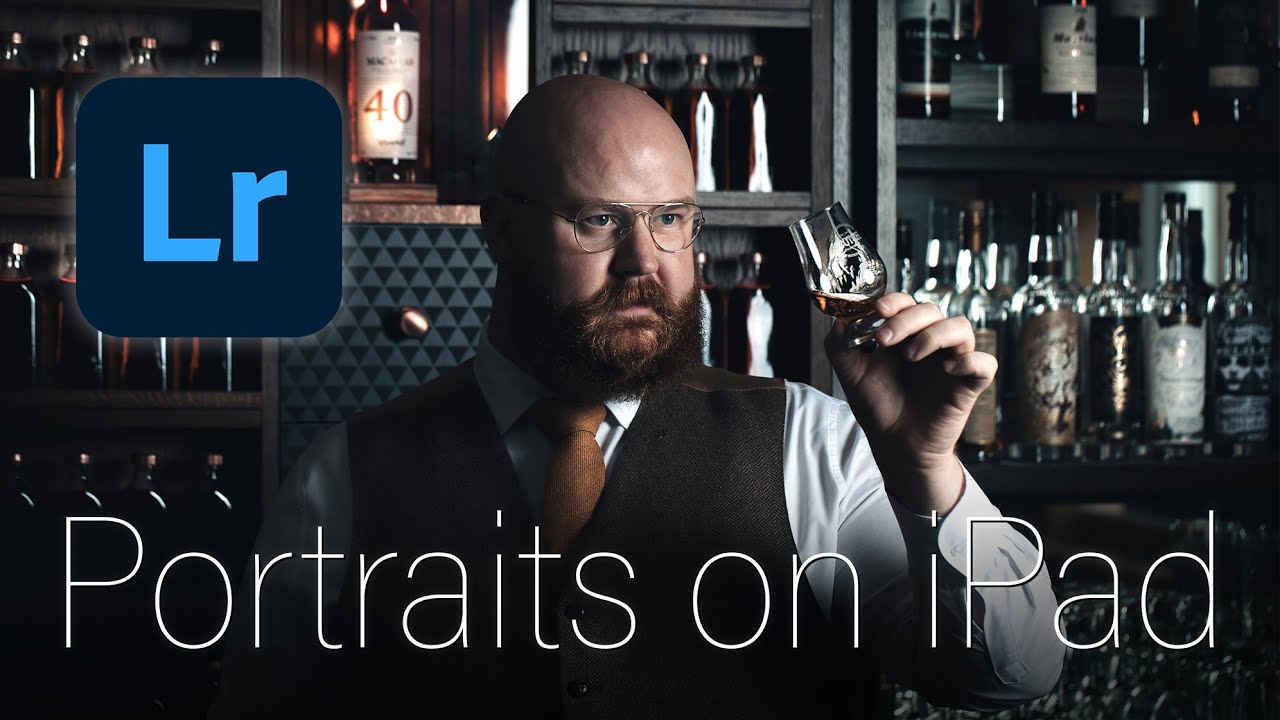
In this week’s video tutorial I show how I make quick but powerful edits to a professional portrait shoot using Lightroom on the iPad Pro M1. I show the settings and tools I rely on, as well as the ideas I play with to turn a raw file into a dramatic, cinematic work of art.
Follow me on Instagram:
#Tutorial #Lightroom #iPad
Comments
4 responses to “Portrait photo editing tutorial on iPad: Lightroom workflow tips and ideas”
What presets are you using? Thanks
Amazing edit!
What display settings do you use on the ipad? I think True Tone is very benefical, but I struggle with the brightness setting, because my prints are always so much darker :/
Brilliant portrait shot and handy tips